Project Setup
Creating a Project
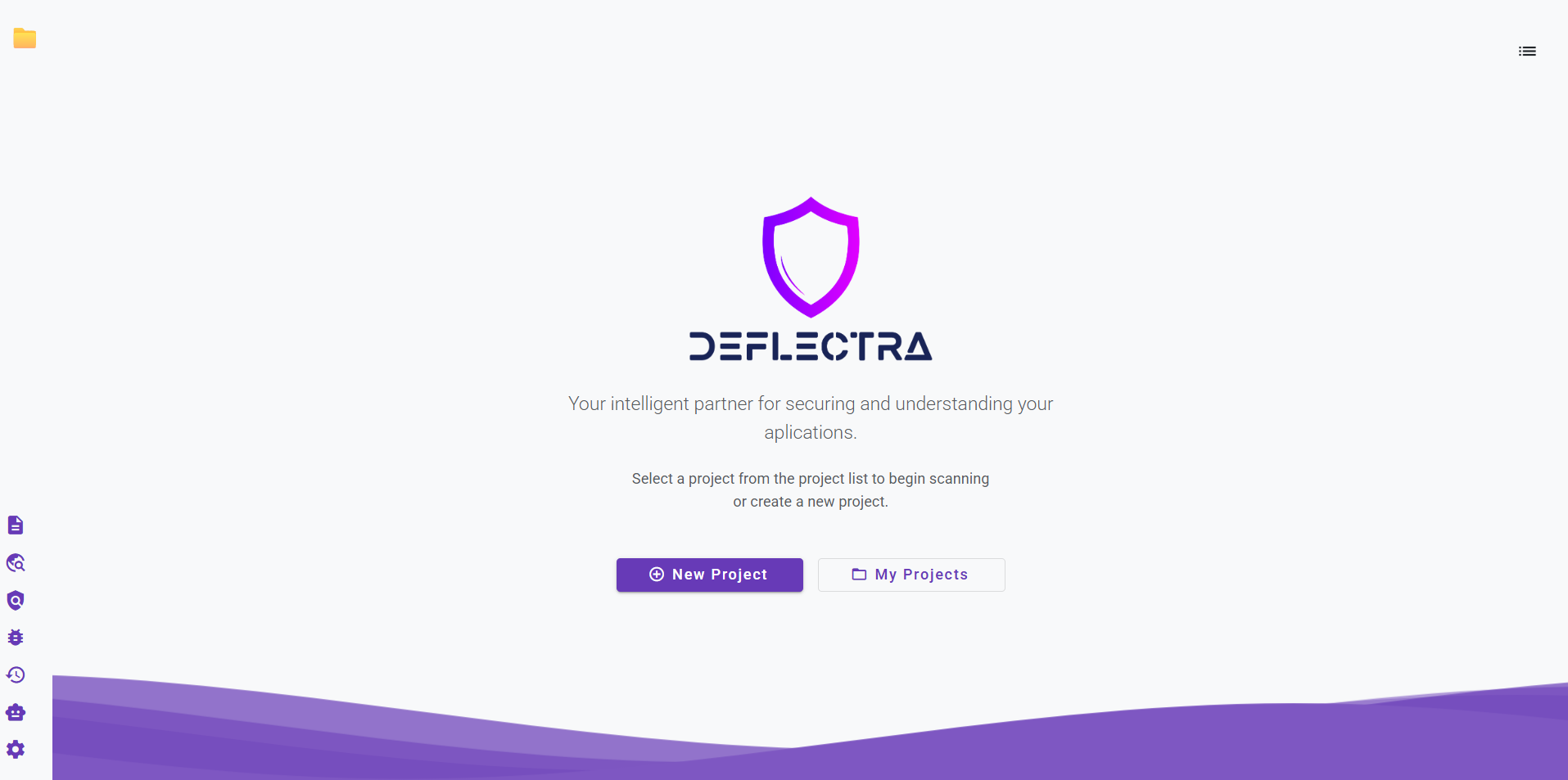
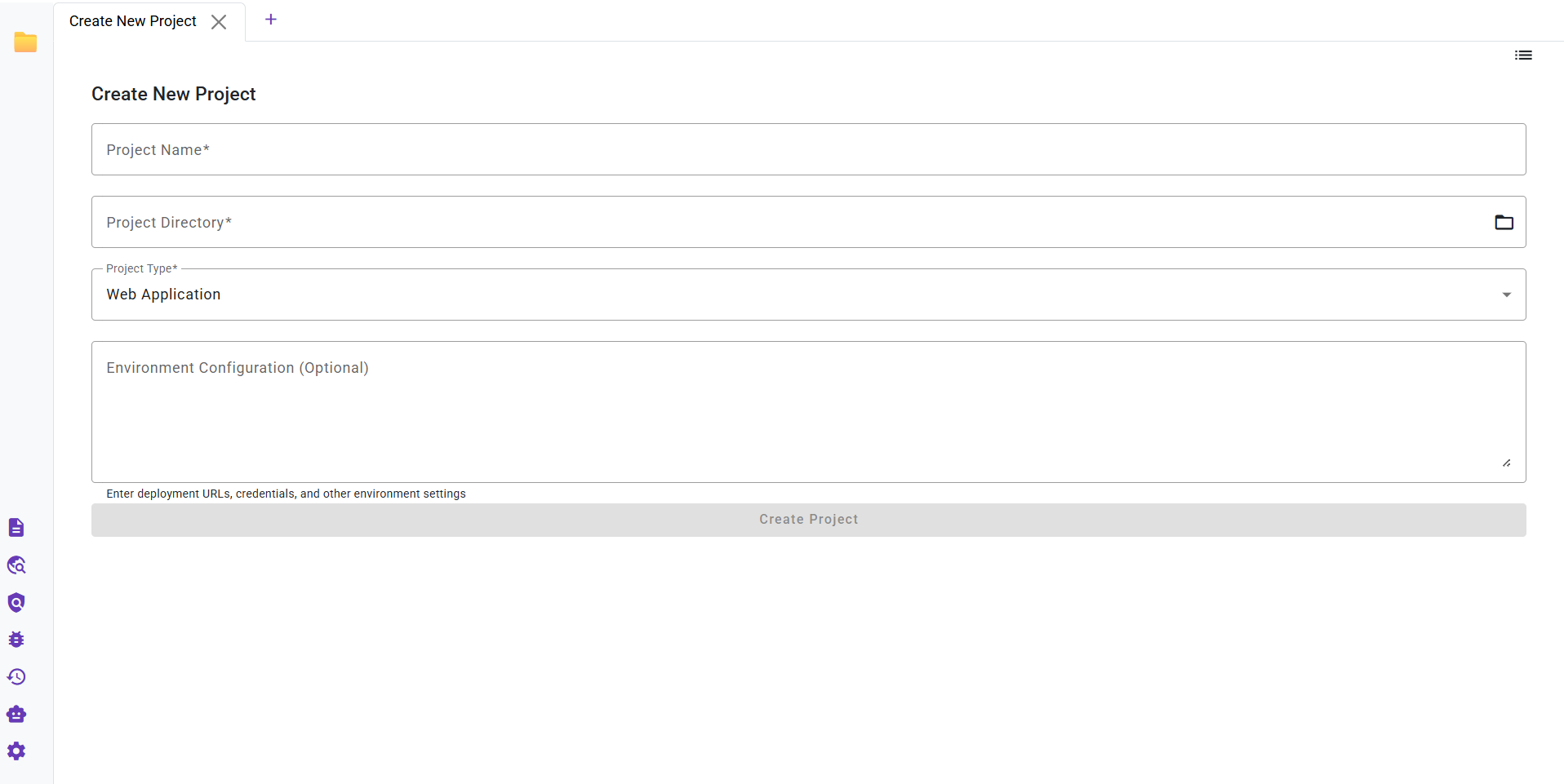
To create a new project, click New Project on the main screen and fill out the form with the following information:
- Project Name: A unique name for your project.
- Directory: The root folder of the source code you want to analyze.
- Application Type: The type of your application (e.g., Web, API, Mobile).
- Application environment: The environment of your application. Specify url, user, email, password, etc. This information will be used to interact with the application during the scan.
Your Privacy is Our Priority
Deflectra operates entirely on your local machine. Your source code, project information, and scan results are never uploaded or stored on our servers, ensuring your data remains private and secure.
Loading a Project
To load an existing project, click My Projects on the main screen and choose the desired one from the list.
note
If you had a project open during your last session with Deflectra, it will automatically reopen the next time you launch the application.
Editing a Project
To edit an existing project, click My Projects on the main screen, choose the desired one from the list and click Edit.