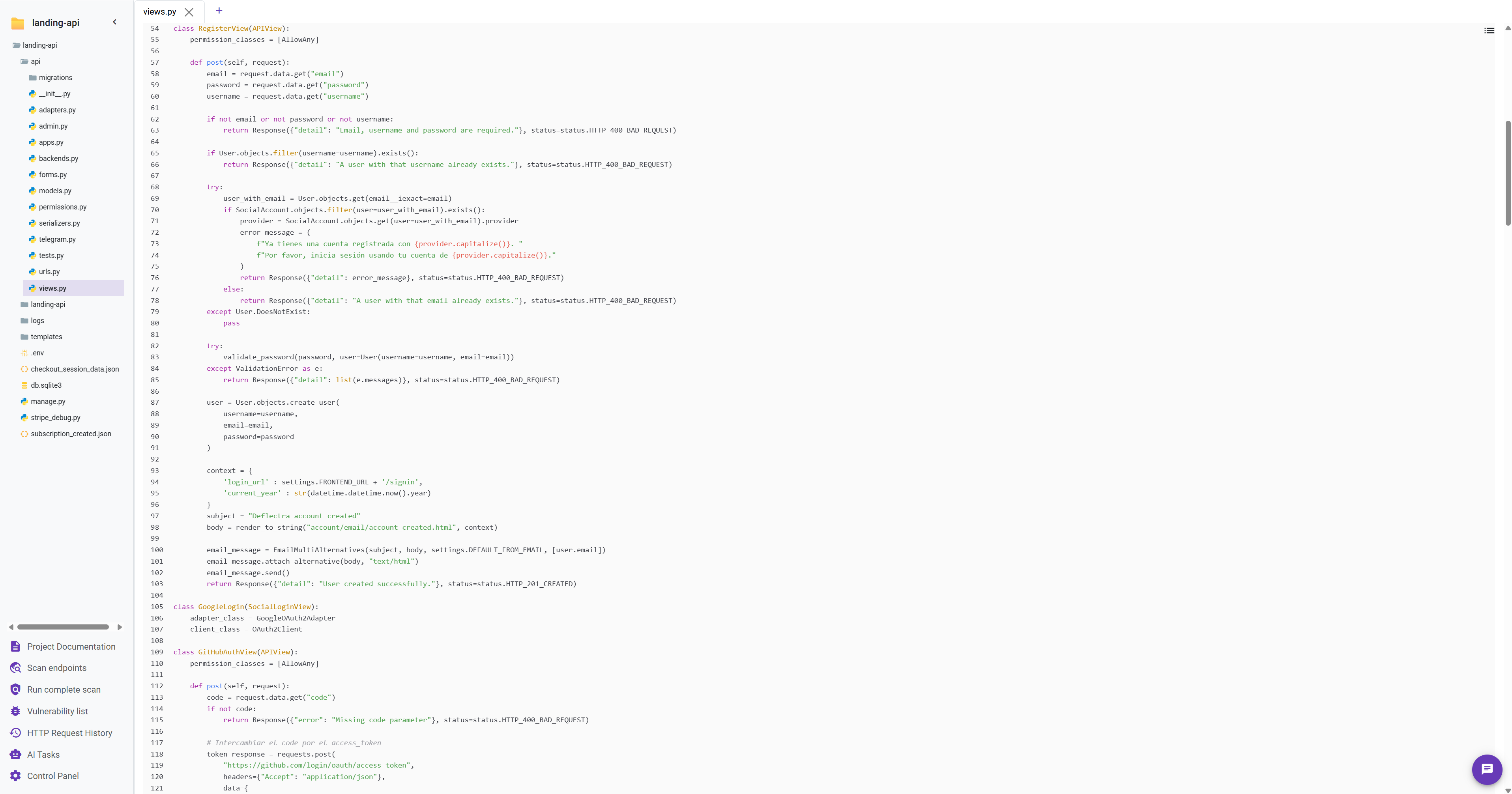
File Interaction
Similar to a standard code editor, Deflectra allows you to interact with files directly from the project sidebar. Opening a file displays its content in a new editor tab, complete with syntax highlighting, line numbers and AST functionalities.
AI Chat Interaction
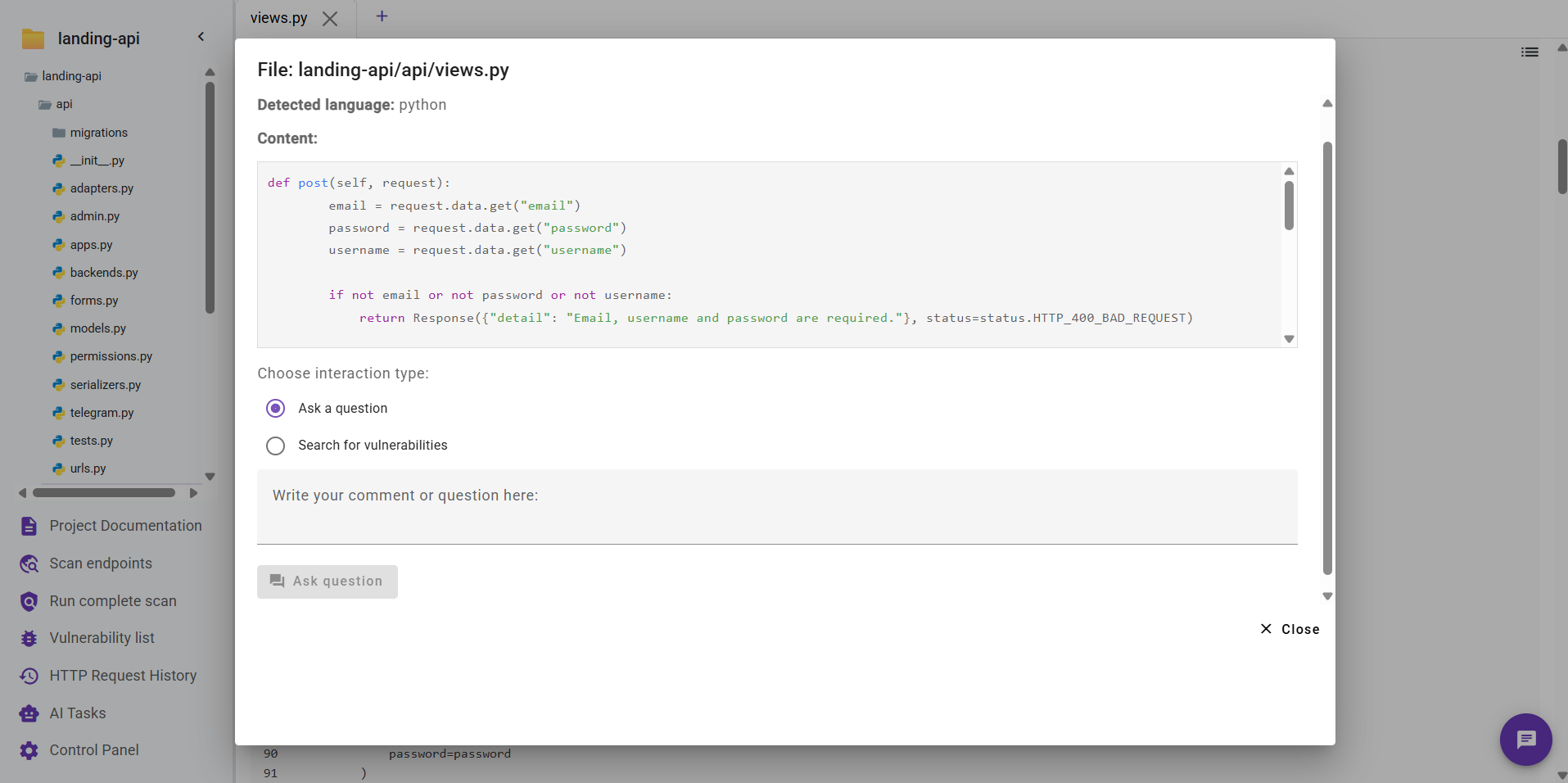
When viewing a file, a Chat Bubble icon appears in the bottom-right corner of the application.

Clicking this icon opens a modal dialog where you can use AI to analyze the file's content.
note
To analyze only a specific part of the code, simply select the desired code snippet before clicking the chat bubble. The AI will focus its analysis on your selection.
From this modal, you can perform two main actions:
- Ask a question: Ask the AI any question related to the entire file or the selected code snippet.
- Search for vulnerabilities: Initiate an AI-powered scan on the file or selection. If any potential vulnerabilities are found, they will be automatically added to the Vulnerability List.